bearroll.dev - Tip for browsing Bear Blog trending on mobile.
Hey everyone! Thanks again for checking out bearroll.dev, the daily roll of Bear Blog's top posts. The support has been much appreciated :)
I'm here to share a tip for those wanting to read bear blog trending posts with less distractions in a dedicated mobile app view.
You can do this is through adding Bear Roll to your home screen.
iPhone Instructions
Visit bearroll.dev in Safari.
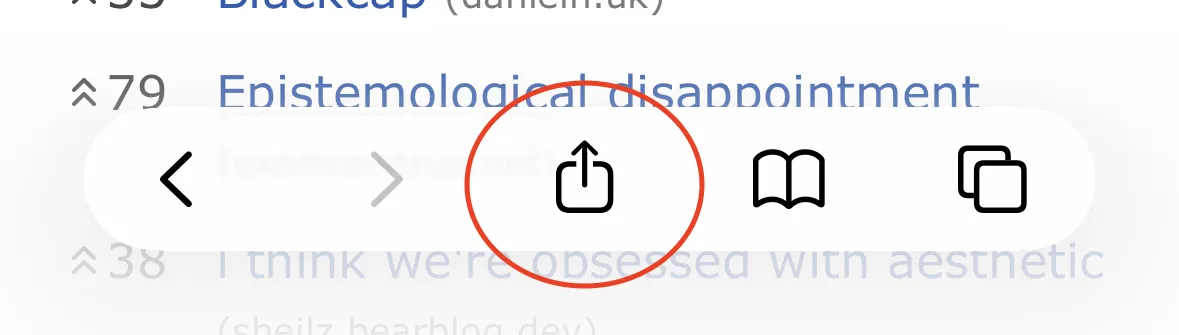
Tap the share icon at the bottom of the page.
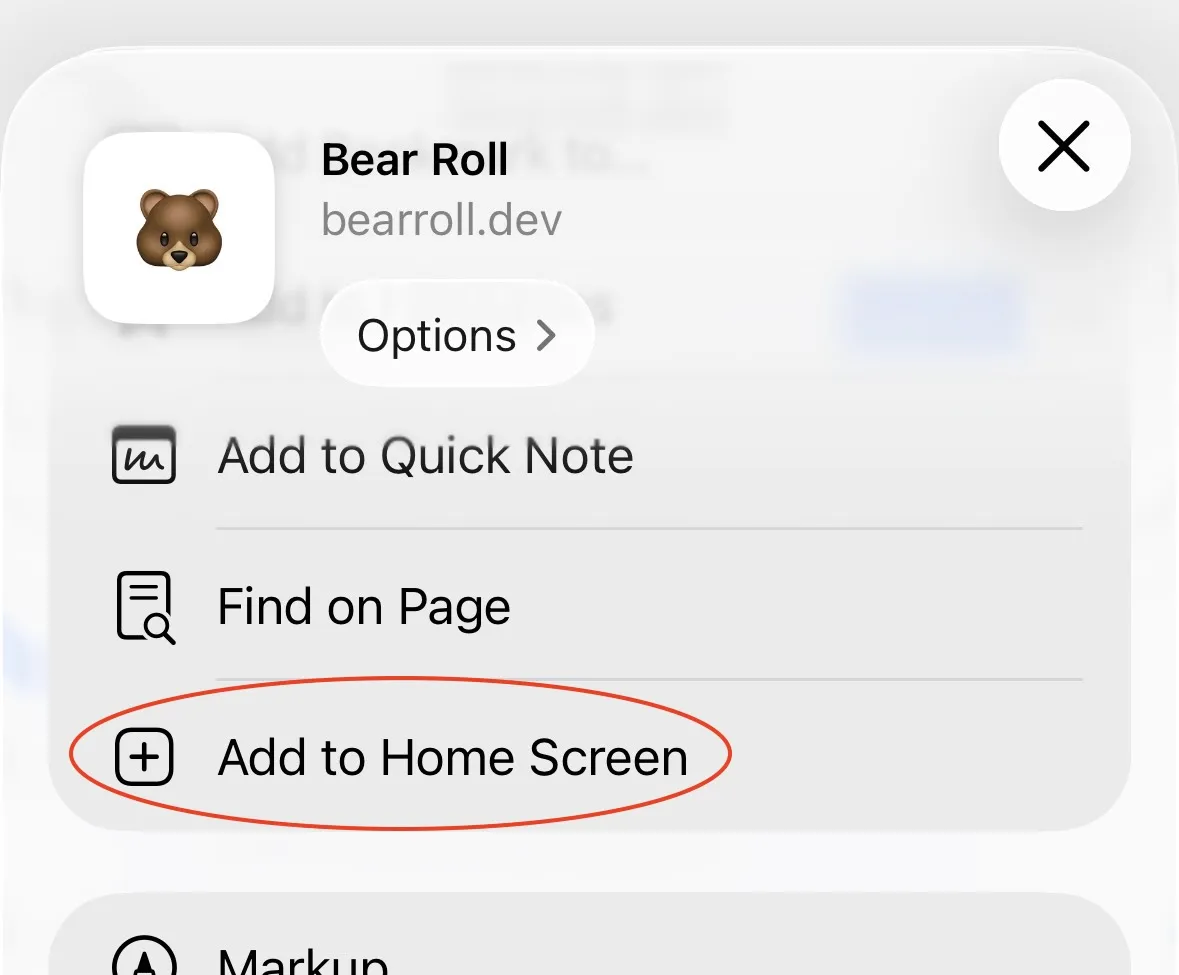
- Scroll down and tap "Add to Home Screen".
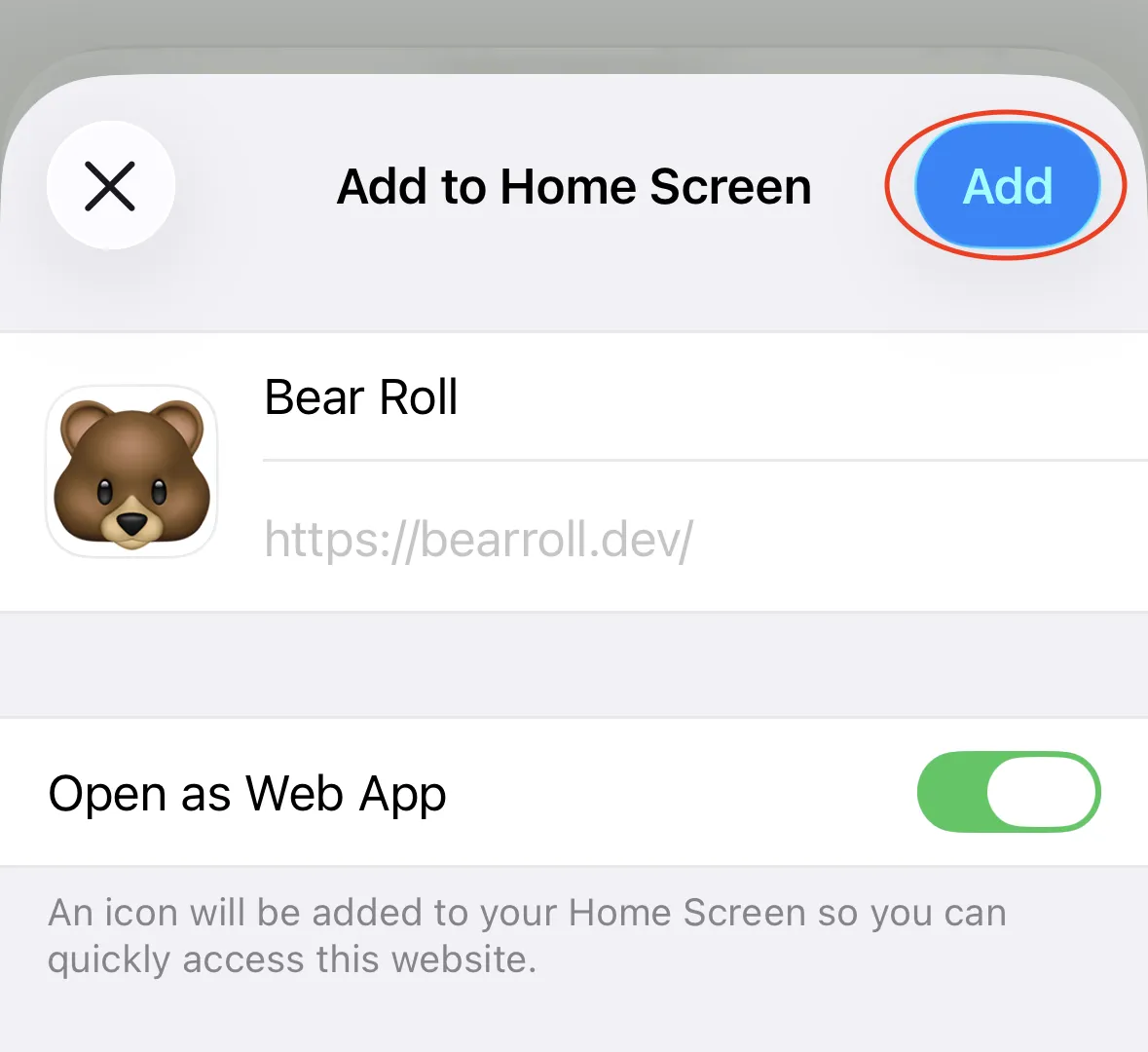
- Tap "Add" in the top right corner.
Android Instructions
I don't own an Android device but based on this WikiHow article the instructions are: go to bearroll.dev on Chrome, click the three dot options icon in the top right, then click "Add to Home Screen".
All done!
After you've done this you will have a Bear icon 🐻 on your device home screen. When entering the website this way you get a focused experience with no search bar or extra buttons. Just bear blogs trending posts in a chronological view.
Hope this helps!
For any questions or thoughts reach out at hello@bearroll.dev